AI Construction Daily Log
Turn every site update into a live project history.
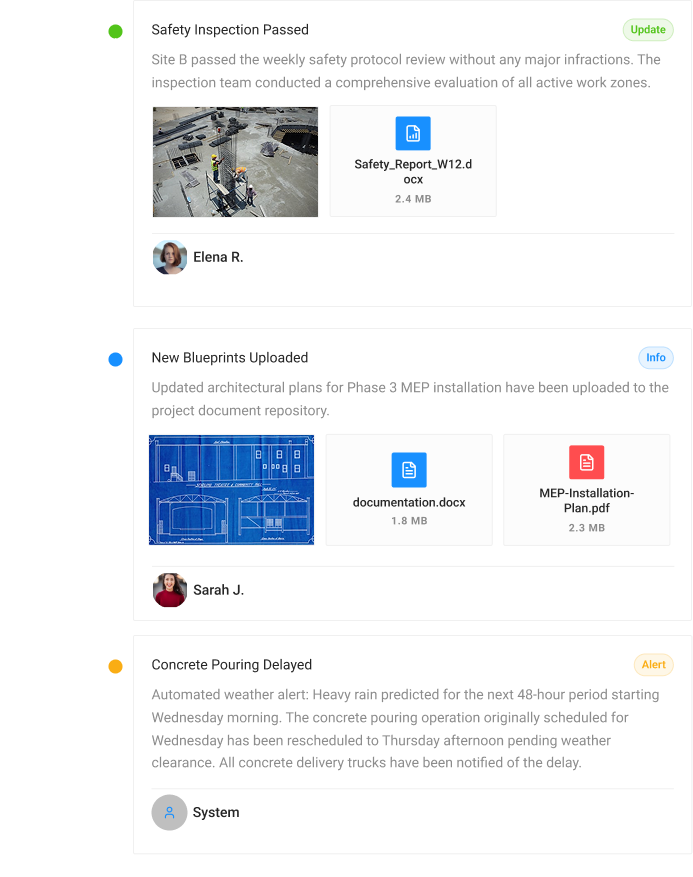
A chronological stream of every project event — photos, videos, voice notes, documents, checklist updates — all tagged, filterable, and searchable. Your project's living history, always up to date. The construction daily log writes itself.
Based on customer-reported results
weekly report ready
saved per manager yearly
complete project history
How it works
TURN YOUR WHATSAPP GROUP INTO A CONSTRUCTION MANAGEMENT SYSTEM
IN 5 MINUTES
Your crew keeps working in WhatsApp while the Banamind AI agent organizes every update and keeps one live project dashboard up to date — with no new app or training for the field team.
Connect WhatsApp in 5 minutes
Add Banamind to your existing project group. Your crew keeps working as usual — no new apps, accounts, or training required.
Capture evidence as work happens
Every photo, video, voice note, document, and approval is organized by project, task, location, and date — creating a reliable history of completed work.
Your AI agent works inside the group
It requests missing photos and updates from the team, sends scheduled progress reports automatically, flags delays and risks, and runs checklist-based inspections directly in the WhatsApp group.
Control every project from one dashboard
See live progress, tasks, deadlines, risks, documents, reports, and verified evidence — without searching through chats or calling the site.
Ask questions and take action from anywhere
Give Banamind instructions in WhatsApp or use the dashboard to find answers and move work forward.
Banamind improved the metrics that matter across our entire business — projects move faster, managers save hours every week, and fewer issues become costly rework. It removed the chaos without forcing the site team into another app nobody would use.
— Michael Turner
Operations Director · Horizon Build Group
Project Feed Features
SCROLL THE PROJECT,
NOT THE CHAT
Every photo, note, and task — in one scrollable stream. No more digging through chat groups.
UNIFIED EVENT STREAM
Every event, every type, one stream
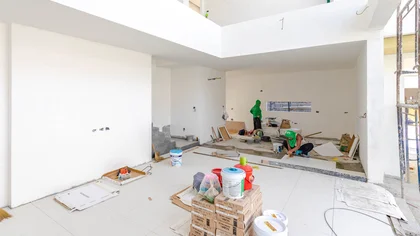
Banamind captures photos from the foreman, voice notes from the electrician, documents from the supplier and checklist items from the QA team — all in one chronological project feed.
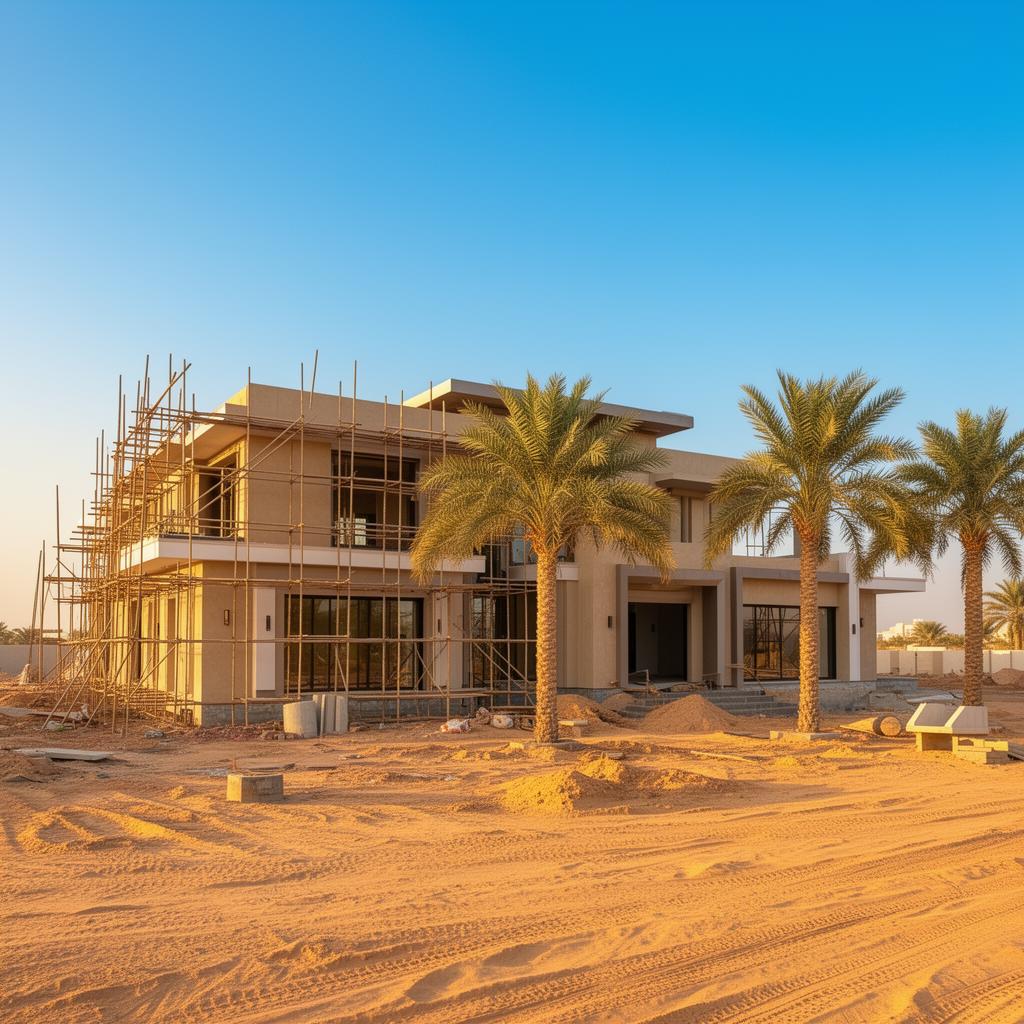
Dubai Hills Villa
3 photos — Plumbing, Zone B
Update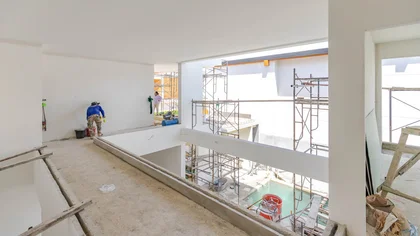
Warning — concrete issue
AlertElectrical inspection cert
InfoWaterproofing checklist done
Update2 videos — Framing progress
Info

FULL-TEXT SEARCH
Search the entire history
Full-text search across messages, transcriptions, documents, and checklists. Find anything in seconds — without manually filling out a construction daily log form.
SMART FILTERS
Filter to exactly what you need
Slice the daily log by date, stage, zone, file type, or author. Save filter combos you use often to rebuild any construction daily log form on demand.
AI-TAGGED
Tagged automatically
Every event in your construction daily logs is tagged with date, author, stage, zone, and work type — suggested by AI, confirmed by your team.
What
Construction Teams Say About Banamind
"I open the dashboard for 30 seconds and know exactly where all my projects stand. If something's off — delays, missing evidence, budget risk — I see it immediately."

Marco R.
Owner / Director
"I used to spend half my day chasing status updates. Now progress comes to me automatically. Reports that took me 3 hours now take 10 minutes."

Sarah K.
Project Manager
"Finding the right photos used to mean scrolling through weeks of WhatsApp. Now I search by date, stage, or zone and have everything in seconds."

Li Wei
Office Administrator
"Nothing changed for me — I keep sending photos in WhatsApp like I always did. The system picks it up automatically, no new app needed."

James D.
Site Foreman
Trusted by Construction Companies Across MENA
Built for and used by the biggest brands in the industry.
Pro Builders
boosted revenue by 15% through superior build quality.
AHC
doubled their repeat client rate by sending automated progress reports.
Reliant Roofing
saved $50k a year by using time-stamped visual proof.
BK Restoration
saves 15 hours every week by replacing manual coordination with automated tools.
Construction Daily Log FAQ
Explore more features
Invoicing
Get paid 70% faster with proof-backed invoices
Create invoices, attach progress reports, and send with payment links.
Compliance
A complete compliance record, built as work happens
Country-specific checklists, missing doc alerts, and compliance reports.
Project feed
Every site update becomes a live project history
Photos, videos, voice notes, and documents — all in a real-time feed organized by project.
Project timeline
Turn every scope item into a scheduled task
Visual timeline with milestones, delays, and phase dependencies.
Document intelligence
Find documents in 1 minute. Resolve disputes in 1 hour
OCR, field extraction, content search, and AI summaries for all docs.
Share updates
Keep clients updated without leaving the job site
Share progress with clients via secure links. They approve, comment, or request changes.
AI inspection
Close tasks only when the checklist and proof match
Defect detection, evidence validation, and risk flags — before you sign off.
AI estimating
Priced estimates from scope, photos, and drawings — in minutes
Turn scope, photos, and drawings into priced estimates with labor, materials, markup, and profit.